
Demo Video
Stay connected and productive on the go with Total Expert's mobile app.
Easily text with your contacts, access mobile-friendly contact records, and keep your business moving wherever you are. Our SMS functionality is 10DLC-compliant and automatically manages opt-in and opt-out requests, giving you peace of mind on compliance while simplifying communication. When you need more detail, you can open the full contact record in the platform directly from the app.
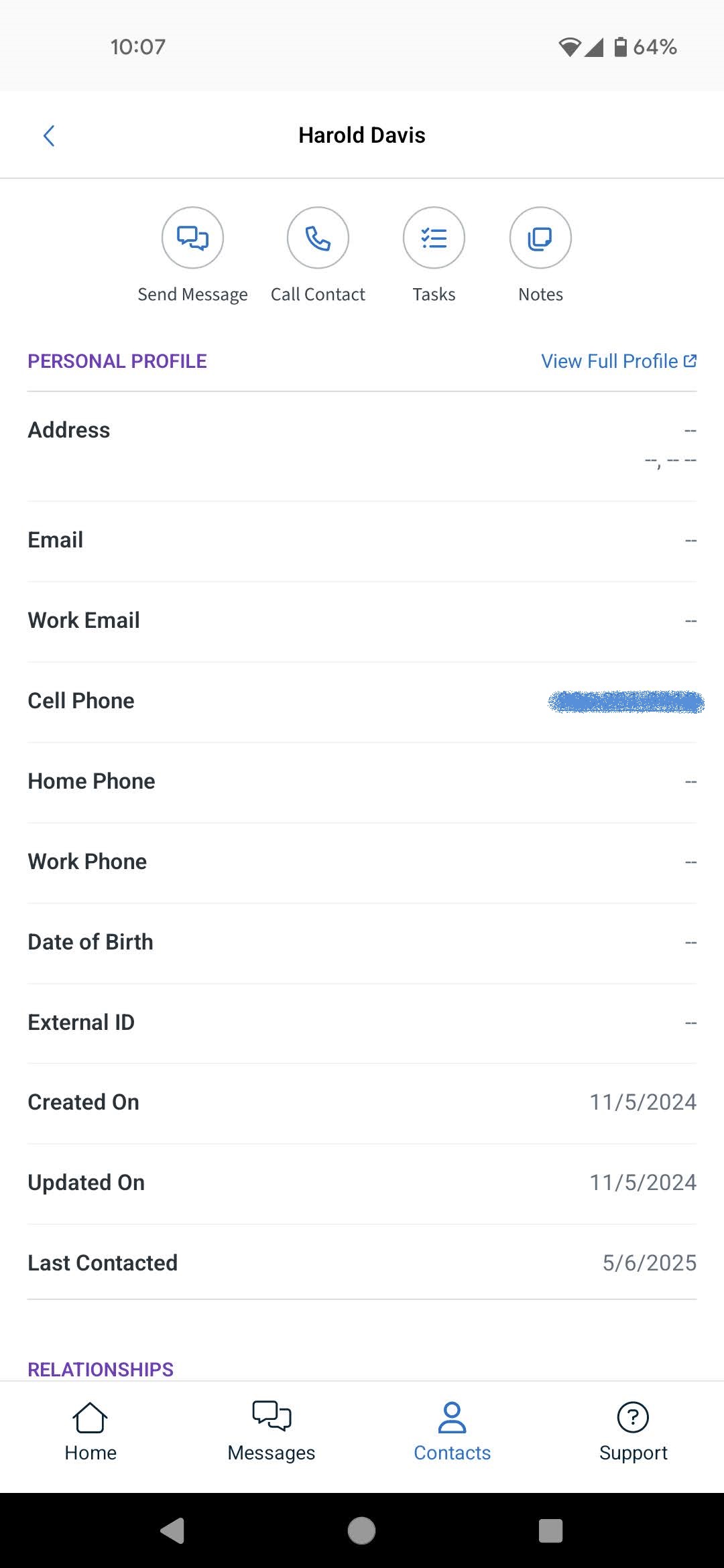
Your contacts are organized in a clean, alphabetized list with powerful search tools to help you find the right person fast. From any record, you can send a quick text, make a call, or check notes and tasks. You'll also receive instant in-app notifications and have the ability to self-provision phone numbers—no waiting on support.
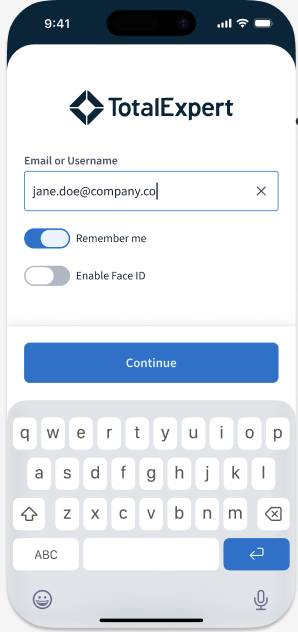
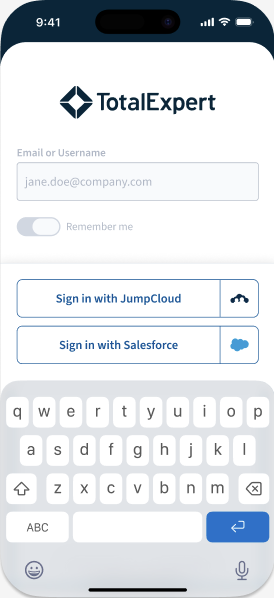
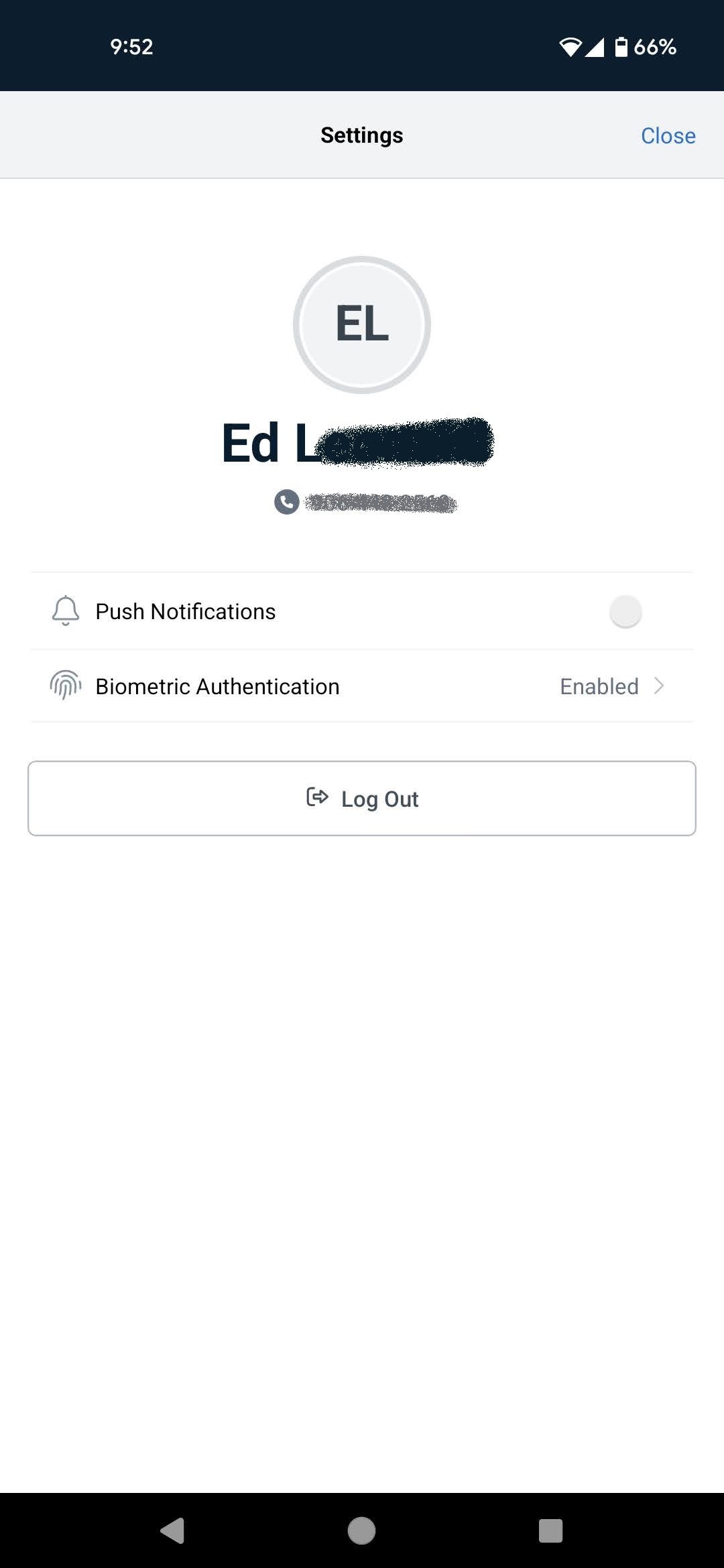
Available on both iOS and Android, the app makes logging in simple with options for biometric authentication like FaceID or TouchID. You can also use your standard web credentials or connect through SSO providers such as JumpCloud, Salesforce, or Okta. (Please note that multi-factor authentication is not currently supported on mobile.)
Edit Contacts and Leads on the Go
You can now edit contact and lead details directly from the mobile app — no need to switch to the web. Select any field on the contact details screen to edit it inline, and changes are reflected immediately after saving.
All fields on the contact details screen are editable except Owner, which is set automatically when the contact is created and cannot be changed. Supported field types include text, picklists and dropdowns, dates, and multi-select fields.
Edit access depends on your relationship to the contact:
- Contact Owner, Contact Assignee, Agent / CMP — Can edit the contact.
- Contact Shared-With users, Lead Assignee — View only; cannot edit contact fields.
Lead details can be edited from both the contact details view and the leads tab. Editable fields and validation match web behavior, and updates appear in both views immediately. The lead owner can also reassign the lead to another user directly from the app.
Edit access on a lead depends on your relationship to the contact or lead:
- Contact Owner, Contact Assignee, Lead Assignee — Can edit the lead and update its stage.
- Contact Shared-With users, Agent / CMP — Cannot edit the lead or update its stage.
From the lead details view, select Link a Loan to connect a lead to one of the 10 most recently created loans that have the borrower field populated for that contact. Select a linked loan to view its details.
Group Messaging
Start and continue group text conversations with loan participants from the mobile app. Everyone in a group conversation sees the same messages in one shared thread.
Start a group message. Select the option to start a new group message from the conversation list. The participant picker suggests people from the loan, such as co-borrowers, buyer's agents, seller's agents, and spouses, and shows each person's opt-in status. A group can include up to 10 participants. Participants who have opted out, or who have a missing or invalid phone number, appear in the picker but can't be selected. The header of the new message shows who will receive it before you send it.
If you select the same participants as an existing group, the app opens that conversation instead of creating a duplicate.
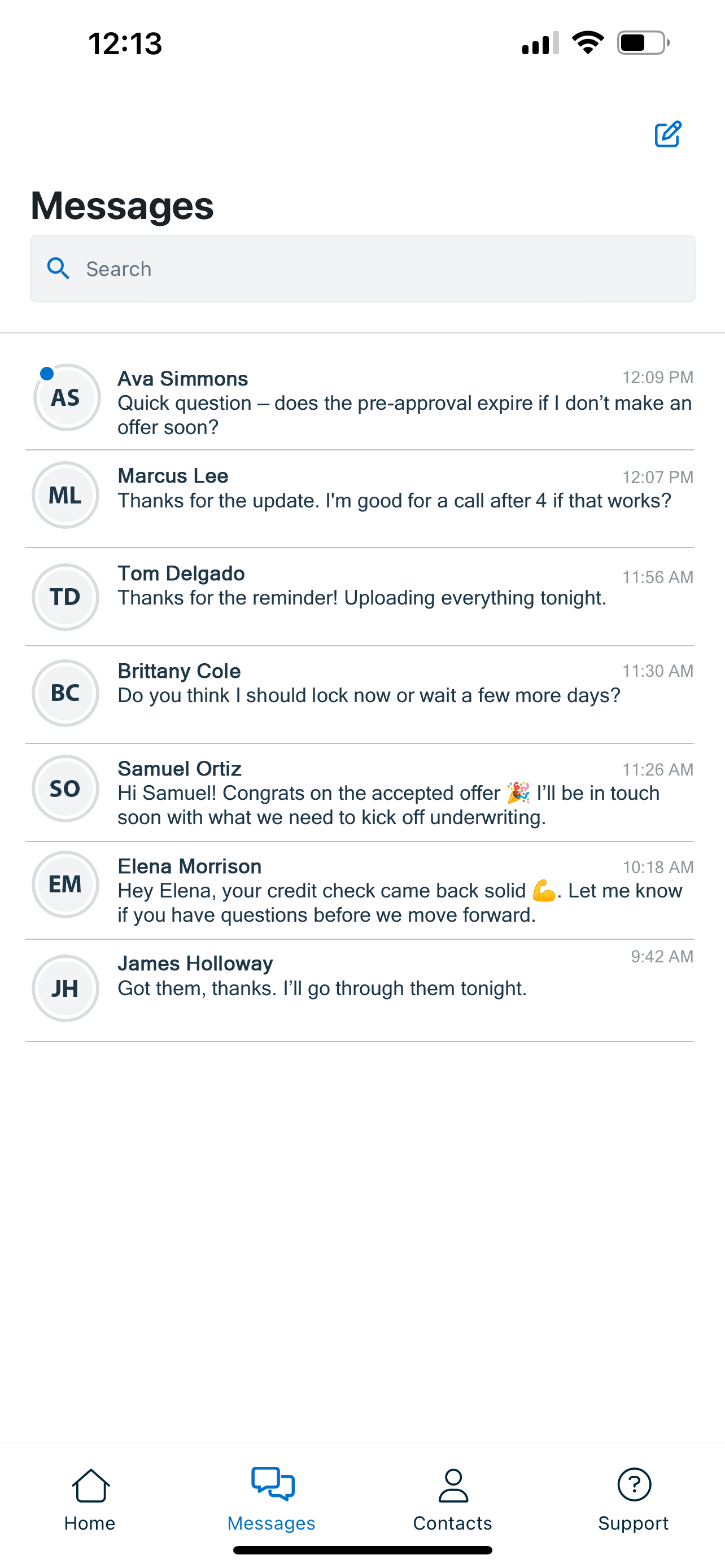
Manage your conversations. Group and one-to-one conversations appear together in the conversation list, sorted by most recent activity. Each row shows the participant names, a timestamp, and a preview of the last message. Unread conversations are marked, and the unread count includes every unread message across group and one-to-one conversations. You receive a push notification for each incoming group message. Pin a conversation to keep it at the top of the list, or swipe to mark it read or unread. To find a conversation, search by participant name.
Follow the conversation. Each message in a group thread shows the sender's name, and replies appear without refreshing. Each message also shows how many recipients received it, such as "Delivered to 4 of 5." Messages that fail or only partially deliver are marked.
Opt-outs. When a participant replies STOP, they're removed from the group and no longer receive its messages. Their opted-out status appears in the group details. In a one-to-one conversation with a contact who has opted out, the message box is disabled, and a message explains why.
Activity log. Group messages sent from the mobile app appear in each participant's contact activity log.
Mobile App Example Images
Note: Android and iOS versions of the app have the same functionality. the screenshots below depict these systems interchangeably and are not meant to imply preference for either system in the case of any feature.